
Understand Chrome site access and local review storage
Trace what happens from detecting a storefront widget to downloading a file.
Understand Chrome site access and local review storage
Why Chrome asks for site access
Stores embed Loox on their own domains. The extension's content scripts match storefront pages, and the detector can inspect frames to locate an embedded review source. Chrome's site-access setting affects whether those scripts can run on a particular store. If access was granted after the tab opened, reload the product page and repeat detection.
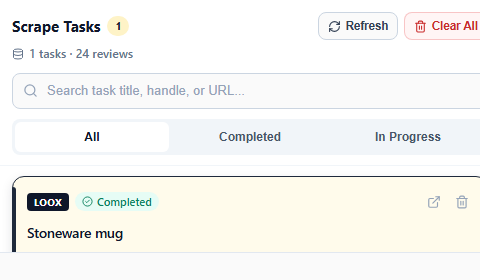
Follow one review through the extension
- Detection and retrieval. The page and background scripts locate the widget and request review pages. The Loox parsing path uses a remote parser. A saved local task does not imply that capture runs offline.
- Storage. Tasks and review records appear in a local SQLite workspace. Extension storage also holds settings. Signing in on another browser should not be treated as a backup of these tasks.
- Accounts and files. The manifest declares identity for sign-in, alarms for scheduled authentication work, an offscreen document for background database access and downloads for saving files. Web navigation and scripting support the page/frame workflow.
Before removing the extension or clearing its data, export any records and media you need. In the sidebar, deleting a task also deletes its associated reviews. The old permissions article describes an earlier manifest; consult Chrome's extension details for the permissions of your installed version.
Related guides · Activate Loox access or sync a legacy purchase · Fix “no reviews found” on a Loox product page
Sources · Browser Addons · Permissions · Loox Reviews Exporter